Table des matières
Presentation of Channel Space
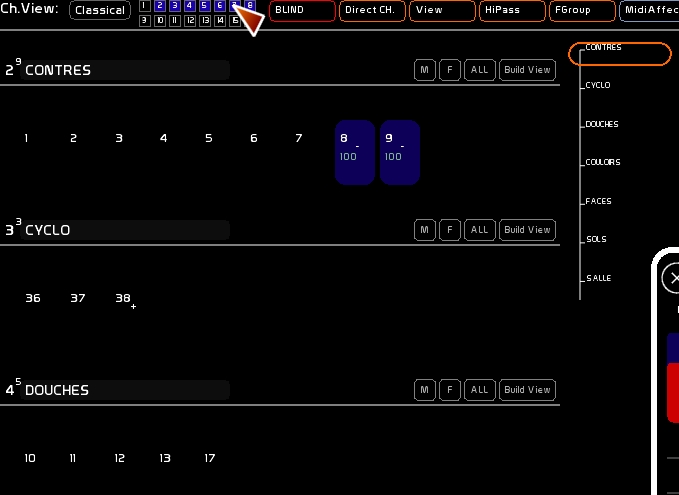
There are two display modes:
- View Classic
- The views customizable in Channel Views
You can switch from one to another using the button [Classical] or by activating the small squares representing the 16 customizable views.

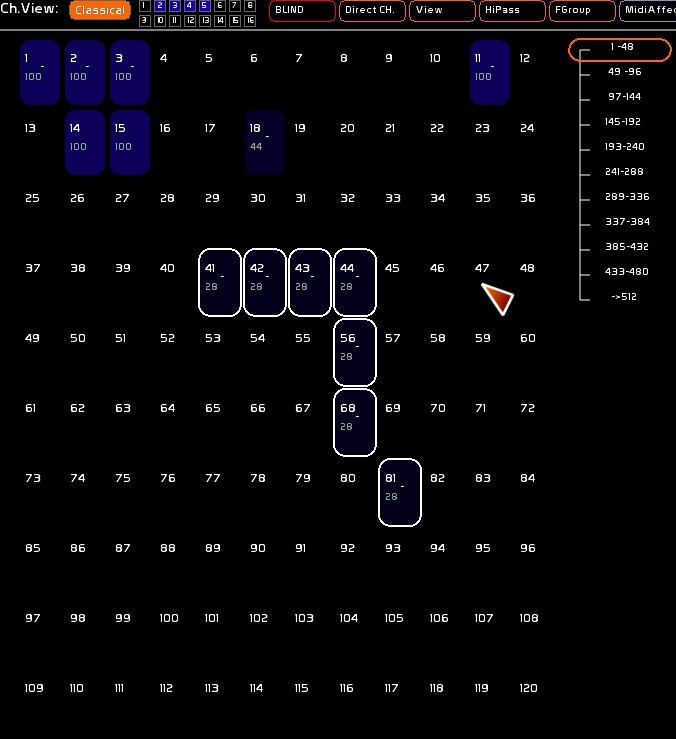
Classic Mode
The classical view shows the 512 possible channels in White Cat. You can select, deselect all channels. You can navigate through them using the scrolling handle.
Channel Views Mode
Channel Views allows you to create customized views and store them.
The first view cannot be edited: Channel View 1 shows the channels that are patched
The other 15 views can be created to display:
- all the channels [Classical]
- only those of a memory
- of a fader
- a collection of memories
- a collection of faders
- a collection of memories and faders
When you are in Channel View, you cannot select a channel that is not in the active view.